



Punjab PSER Survey Online Registration Begins 2025 – Step-by-Step Guide to Apply
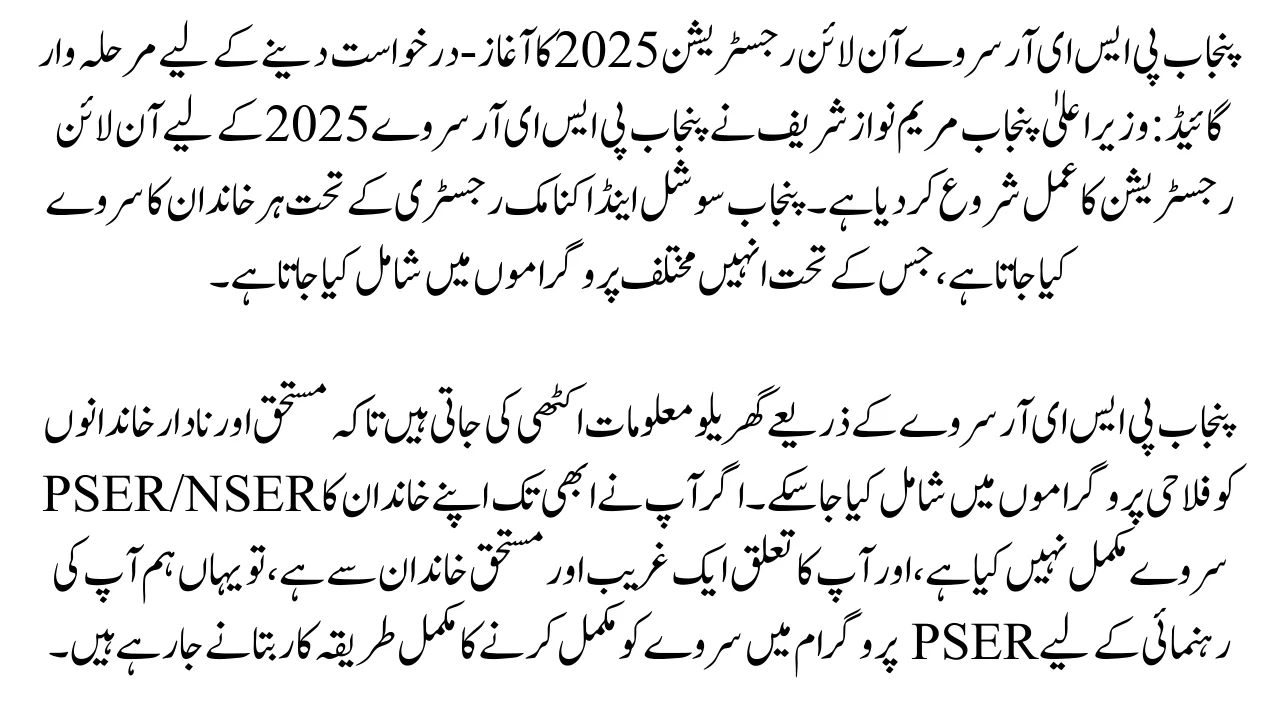
Punjab PSER Survey Online Registration Begins 2025 – Step-by-Step Guide to Apply: Punjab Chief Minister Maryam Nawaz Sharif has started the online registration process for the Punjab PSER Survey 2025. Under the Punjab Social and Economic Registry, a survey is conducted of every family, under which they are included in various programs according to their eligibility.
Household information is collected through the Punjab PSER Survey so that deserving and needy families can be included in welfare programs. If you have not yet completed the PSER/NSER Survey of your family, and you belong to a poor and deserving family, here we are going to tell you the complete procedure for completing the survey in the PSER Program to guide you.
Read More: Good News Benazir Kafalat New Registration Resumes 2025 | Know Full Details
Key Features of Punjab PSER Survey 2025
- Families who complete the survey will be able to benefit from various welfare programs such as the Punjab Ration Card, the Benazir Kafalat Program, and the Health Card.
- Completing the survey eliminates the need for a survey and identification for future government schemes, and your data will get through the survey for future schemes.
How to Complete The Punjab PSER Survey Online Registration 2025?
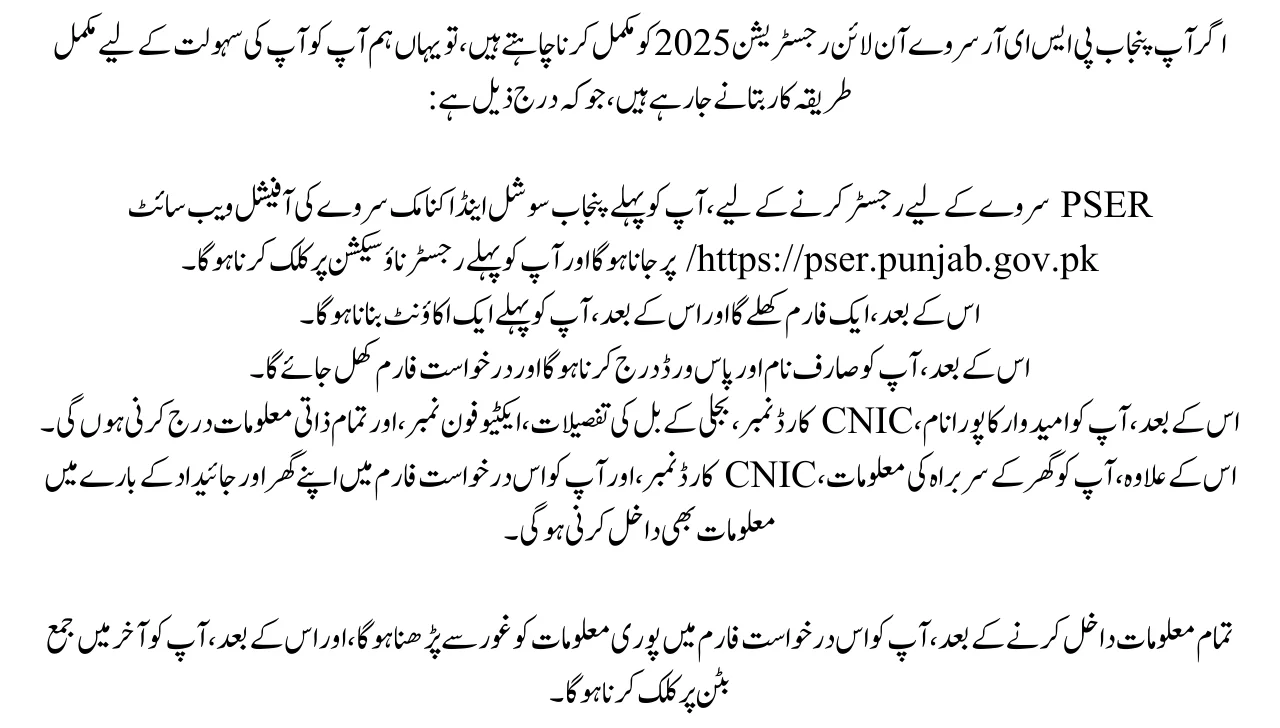
If you want to complete the Punjab PSER Survey Online Registration 2025, then here we are going to tell you the complete procedure for your convenience, which is as follows:
- To register for the PSER Survey, you first have to go to the official website of Punjab Social and Economic Survey https://pser.punjab.gov.pk/ and you first have to click on the Register Now section.
- After that, a form will open and after, you have to first create an account.
- After that, you have to enter the username and password and the application form will open.
- After that, you have to enter the full name of the candidate, CNIC Card Number, electricity bill details, active phone number, and all personal information.
- In addition, you have to enter the information of the head of the household, CNIC Card Number, and also you have to enter information about your household and property in this application form.
- After entering all the information, you have to read the entire information in this application form carefully, and after that, you have to click on the Submit button at the end.
Required Documents:
- Valid Head of Household’s CNIC
- Children’s documents/CNIC Card/ Bay form
- Household’s active Mobile numbers
- Personal and financial details
- Household information:
- Asset and financial information
Door-to-Door Online Registration Process 2025
The Punjab government has introduced a door-to-door PSER survey to further facilitate poor and deserving families, under which government-sponsored survey representatives visit homes and collect your records using digital devices, in which they verify your national identity card, check your children’s school admission, ask you for details of income and residence, etc., and then collect your online records. The purpose of collecting this information is to include poor and deserving families in welfare programs in the future.
Also Read More: CM Punjab Asaan Karobar Card Registration Ongoing 2025 – Golden Chance Small Business Owners
Conclusion:
In this article, we have provided complete and accurate information regarding Punjab PSER Survey online registration, that how you can complete your survey process from home and what are the benefits of completing the survey. So, if you have any questions or any kind of problem regarding the Punjab PSER Survey Online Registration 2025, you can ask in a low tone through the comment section.